


Retail moves quickly. Customers don’t want to wait, employees crave flexible schedules, and managers get stuck in the middle, trying to juggle schedules, traffic, KPIs, and payroll.
This guide breaks down the best retail management tools. The tools that help retailers manage their team’s time and run better stores—all without drowning in the dreaded swamp of Excel spreadsheets or out-of-date legacy systems.
Why are Retail Management Tools Important?
Between running the floor, supporting your team, and hitting daily sales targets, retail management is hard enough as it is.
Retail management tools remove the daily headaches of staffing, callouts, and last-minute coverage so managers can focus on what truly drives results.
Labor, after all, is the single biggest expense retailers have. But it’s also the most important. Without a friendly and knowledgeable staff at the helm, your store would sink quickly.
The 6 retail management tools will help you keep your store ship-shape.
The 6 Most Time-Saving Retail Management Tools
1. Shiftlab
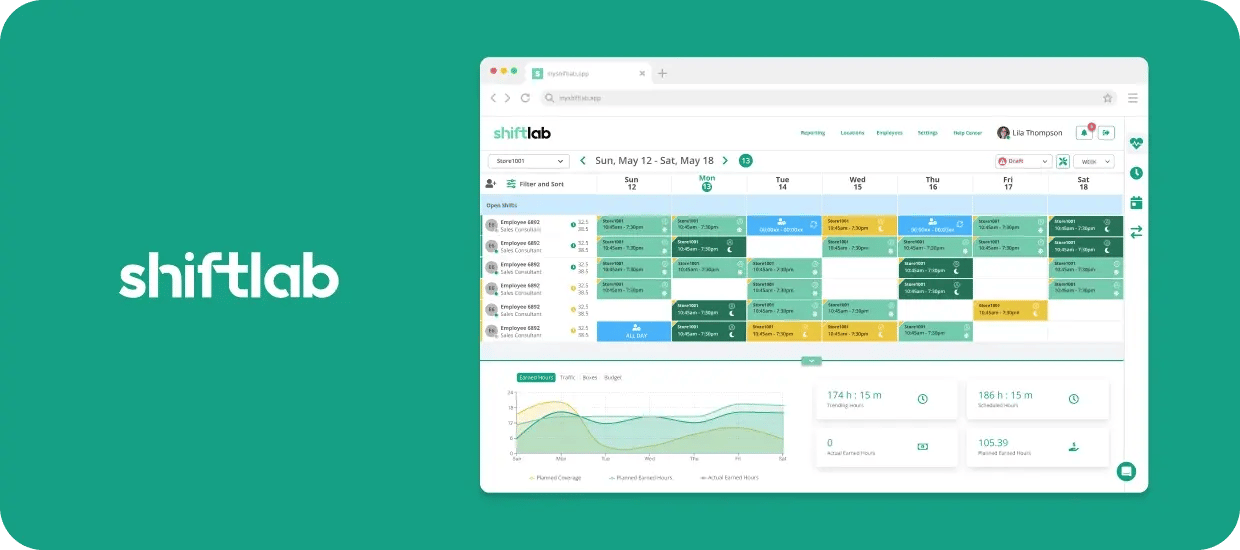
Shiftlab is a modern retail workforce management platform designed to take the guesswork out of scheduling. The tool uses your store's actual sales, traffic, and performance data to build optimized schedules for your team—automagically.
In other words, it aligns staffing levels with actual store demand—not assumptions or static Excel templates.
Instead of forcing managers to spend hours manually creating and adjusting shifts, this retail time management tool does the heavy lifting for you. Your team gets to do the real work: focusing on customers and results.
Pain points solved by this retail time management tool:
- Overstaffing and understaffing caused by inaccurate forecasts or static schedules
- Time-consuming manual scheduling that pulls managers away from the floor
- Last-minute chaos from callouts, shift changes, and coverage gaps
- Labor costs creeping up without a clear insight into why (psst—see our 6 top ways to reduce labor costs)
- Compliance risks related to breaks, overtime, and labor rules
- Disconnect between sales performance and staffing decisions
How to start using it:
- Connect Shiftlab to your POS and traffic systems
- Import employee data, availability, and roles
- Set labor targets and compliance rules
- Let Shiftlab generate optimized schedules automatically
- Managers review, adjust if needed,and publish — in minutes, not hours
- Track performance and continuously improve schedules using real results
Key outcomes you can expect:
- Lower labor costs with better coverage. Staffing will be aligned to real demand, not assumptions about future events.
- Hours of manager time saved each week. Automated scheduling will replace manual work, which is particularly helpful when staff inevitably call in sick or when unseen events affect store traffic.
- Stronger in-store performance — the right people on the floor when customers need them most Ready to learn more about this valuable tool for time management? Schedule a demo with Shiftlab’s friendly team.
2. RQ by iQmetrix
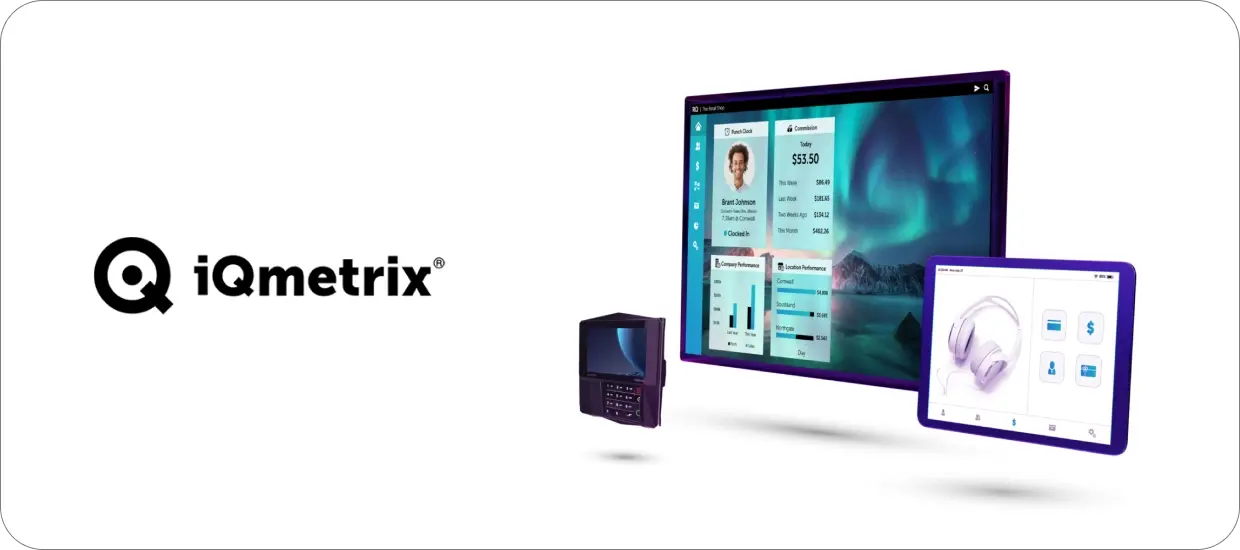
RQ by iQmetrix is a retail management platform that integrates point-of-sale, inventory, customer data, and store operations into a single system.
Designed specifically for specialty and telecom retailers, RQ gives managers real-time visibility into what’s happening on your sales floor. It supports retail time management by collecting sales andstore data used to make staffing and scheduling decisions.
Pain points solved by this retail time management tool:
- Disconnected systems for your sales data,inventory, and employee performance metrics
- Limited real-time visibility into your store’s activity and daily performance
- Manual—and therefore time-consuming—reporting processes
- Difficulty tying your staffing decisions back to your actual sales results
- Inconsistent workflows across various stores or even regions of stores
How to start using it:
- Roll out RQ as your central system for point-of-sale and retail operations
- Configure your products, pricing, inventory, and customer workflows
- Set up user roles, permissions,and structure for your various stores and regions
- Integrate RQ with time-saving workforce tools like Shiftlab to connect your sales and labor data
- Make sure managers and employees know how to use RQ to ring up sales, handle returns, and check basic reports
Key outcomes you can expect:
- Clearer view of daily sales and store activity as the action happens
- Ability to use sales data to make smart staffing decisions
- More consistent store operations across multiple locations
Book an iQmetrix demo to learn more about how this retail time management tool can transform operations.
3. ReBiz
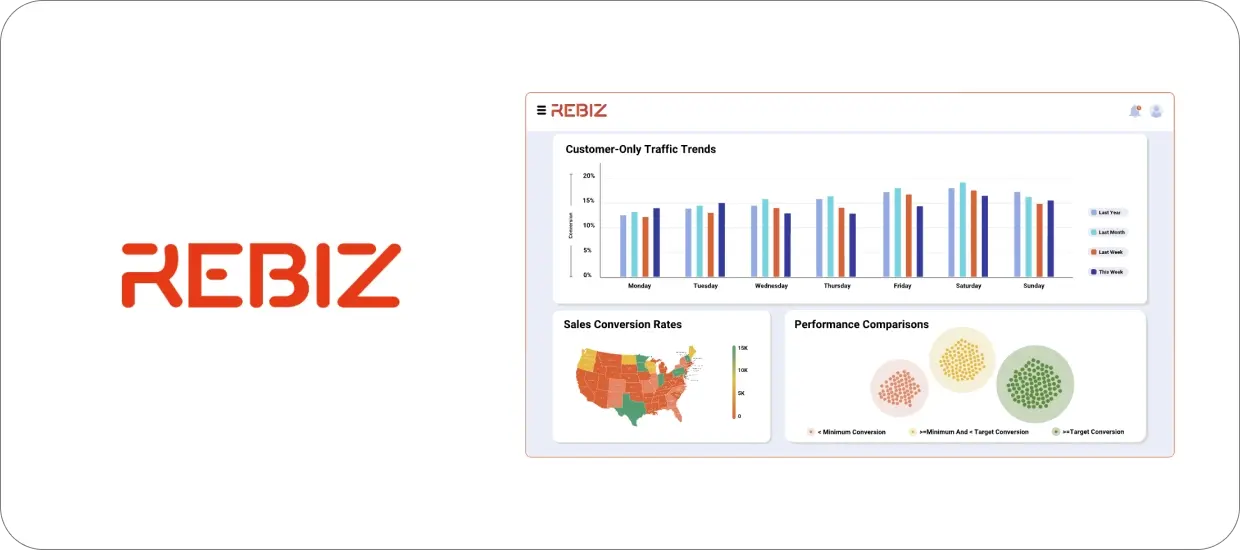
ReBiz is a retail operations and traffic platform that supports store management and reporting. It’s usually used alongside other systems and helps cover those loose ends—aka operational needs that aren’t handled by the POS or workforce tools.
As a retail management tool, ReBiz handles mundane store tasks and reporting that affects how managers spend their time.
Pain points solved by this retail time management tool:
- Store tasks that other tools, like POS and workforce scheduling solutions, don’t cover Reporting you’d otherwise have to do by hand or by using spreadsheets
- Annoying gaps between the systems you use for sales, staffing, and operations
- Any inconsistent ways stores complete the same tasks
- Those extra, manual steps that wear your team out during daily store operations
How to start using it:
- Set up ReBiz for the store tasks and reports you want it to manage
- Configure each store and its user access
- Connect ReBiz to your other retail systems as needed
- Show your managers how to complete required tasks and review reports
Key outcomes you can expect:
- Fewer manual steps for store tasks that would otherwise be done by hand
- Basic operational reporting that’s available in one place instead of scattered across multiple tools
- More consistent store processes across locations, with less variation between teams
Reach out to the skilled ReBiz team to get started with this helpful time-management tool.
4. ShopperTrak
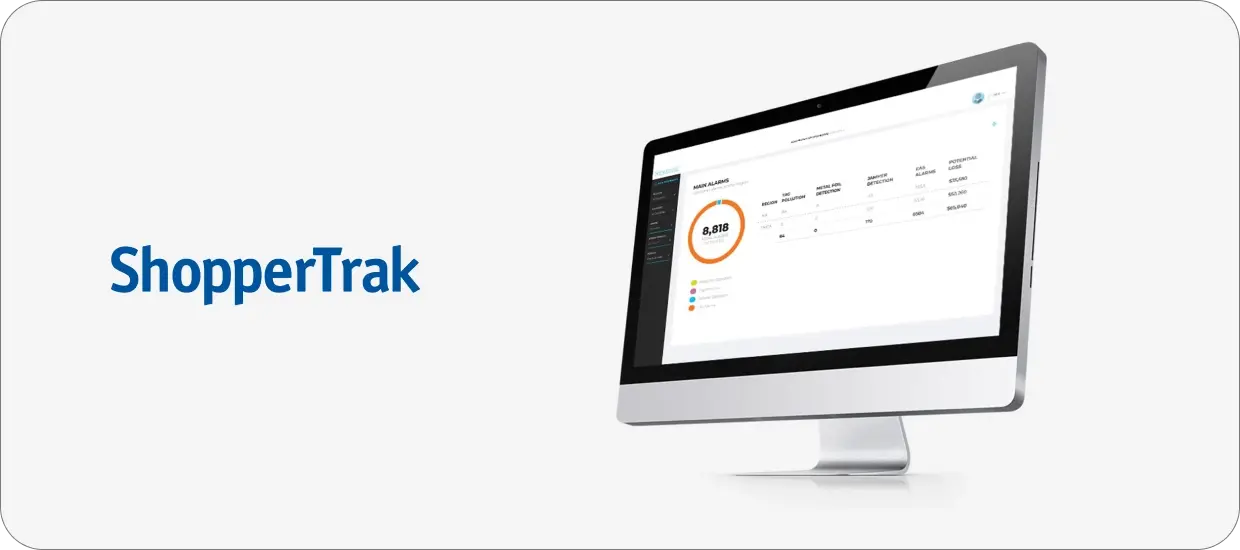
ShopperTrak by Sensormatic is a store traffic and analytics tool that measures how many customers enter a store and when they arrive. Retailers can use it to understand traffic patterns and compare foot traffic across days, times, andlocations.
This retail time management tool shows retailers when customers spend the most and least time in the store. With this information, retailers can optimize their staffing and scheduling.
Pain points solved by this retail time management tool:
- Limited visibility into how many customers enter your store
- Having to make staffing decisions without precise traffic data to help inform the schedule
- Difficulty recognizing your peak and slow periods
- Inability to accurately compare traffic between stores or between different time periods
- Relying on guesswork when trying to plan schedules according to customer demand
How to start using it:
- Install the traffic sensors in your stores
- Set up each store’s dashboard and your desired reporting view
- As people—and therefore data points—roll in, review traffic data by day, time, and location
- Share those insights with your scheduling or management teams
Key outcomes you can expect:
- A clearer understanding of when customers visit your stores—and therefore when you can expect the most and least business
- Loads of traffic data your team can use to plan staffing
- A better comparison of what traffic patterns look like across different locations.
Contact the Sensormatic team to learn how ShopperTrak can save you time and money.
5. Zipline
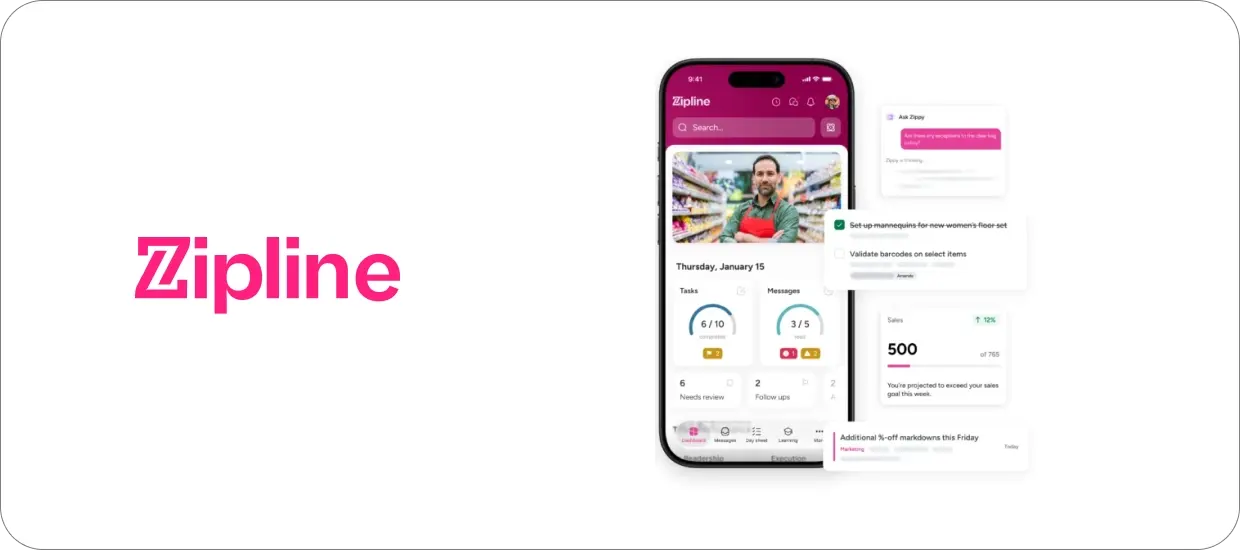
Zipline is a retail communication and task management tool that lets managers share updates with their teams, assign tasks, and track their completion. The goal is to reduce the endless verbal back-and-forth between managers and employees, which is all too easy to forget in the rush of running a store.
With Zipline, everyone has a centralized checklist and information feed that keeps the team on track. The level of organization this retail time management tool offers is unmatched—and extremely helpful.
Pain points solved by this retail time management tool:
- Too many messages coming in from different tools
- Tracking store tasks in a scattered array of spreadsheets, emails, in-person discussions, and Slack chats
- Unclear or disorganized priorities for store teams Limited visibility into when tasks get completed
- Manager time lost following up on missed or incomplete work
How to start using it:
- Set up your stores, regions, and user access for Zipline—which includes downloading the app
- Create task lists and recurringstore activities (like closing and opening chores)
- Share news, updates, and assignments with your in-store teams
- Track task completion and follow up with staff as needed
- Fewer messages scattered across various platforms and in-person follow-ups
- Clear and easily trackable daily priorities and task lists for store teams
- Better visibility into when and whether tasks get completed across multiple storefronts
Key outcomes you can expect:
Schedule a demo with the Zipline team to see how this time-management tool can help your brand run smoother operations.
6. Seismic
Seismic is a learning platform where you can store training materials, guides, and references in one place—and supercharge it with AI.
This retail time management tool makes it much easier to onboard new team members, host required training, and—importantly—provide employees with valuable feedback that helps them become more efficient.
Pain points solved by this retail time management tool:
- Training materials that are spread out across multiple tools and workspaces, both digital and physical
- Managers have to repeatedly answer the same questions, particularly from newer team members
- Inconsistent onboarding practices across store locations
- Time lost looking for the most up-to-date company documents or guides
- Outdated content being used in stores
How to start using it:
- Upload your training documents, guides, and reference materials into the system
- Organize the content by role, topic, store type, or whatever categories apply to your situation
- Set access levels for managers and associates
- Direct teams to use Seismic as the primary source for training content
Key outcomes you can expect:
- Less time spent searching for training and reference materials
- Faster answers to questions using Seismic’s AI-powered search
- More consistent use of up-to-date content across multiple storefronts
Connect with the Seismic team to learn more about how this tool can simplify your work life and save you tons of time.
Can Any of These Tools Work Together?
Yes, they can, and the chart below will show you exactly how.
|
Tool |
Primary Role |
What Time It Saves |
Integrates With |
|
Shiftlab |
Scheduling & labor optimization |
Hours spent manually building and adjusting schedules |
RQ, POS, ShopperTrak, ReBiz & More |
|
RQ by iQmetrix |
POS & store operations data |
Time pulling sales data and reports |
Shiftlab |
|
ReBiz |
Store tasks & operational reporting |
Time spent on manual store tasks and spreadsheets |
POS, workforce tools, Shiftlab |
|
ShopperTrak |
Foot traffic analytics |
Time guessing when stores are busy |
Shiftlab |
|
Zipline |
Communication & task management |
Time spent on follow-ups and scattered instructions |
All store tools |
|
Seismic |
Training & knowledge management |
Time spent training, answering repeated questions |
Zipline, store teams |
Together, these tools cover the core areas of retail time management:
- Scheduling
- Timekeeping
- Operations
- Store traffic insights
- Communication
- Training
Each of these retail management tools solves aset of very real problems—and when used together, the value is even higher.
Want more insights? See how BeMobile saved time and made more sales after implementing Shiftlab as part of their tech stack.